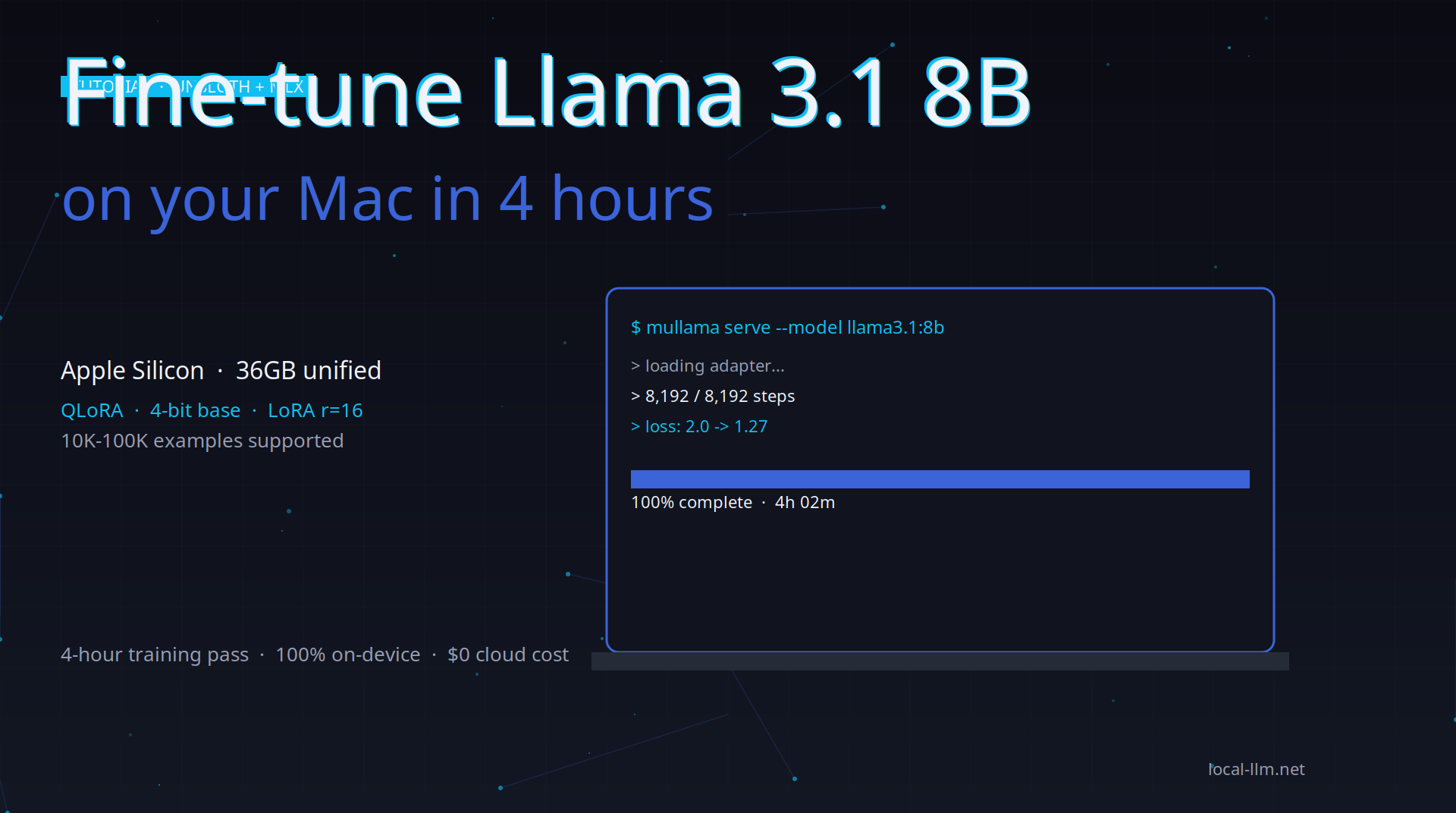
A practical walkthrough for fine-tuning a small open model on a MacBook Pro or Mac Studio. End-to-end, from dataset prep to evaluation.
What you’ll need
- Hardware: Apple Silicon Mac with 32GB+ unified memory (M2 Pro, M3 Pro, M4 Pro, or any Max/Ultra). 16GB works for a smaller model or smaller dataset.
- Time: ~4 hours for 10K examples, ~12 hours for 100K examples
- Cost: $0 (local compute) vs $50-200 on cloud GPUs
- Skill: Basic Python, basic shell
Why this works on a Mac
Most fine-tuning guides assume NVIDIA GPUs. But Apple’s MLX framework is well-suited for LoRA / QLoRA on Apple Silicon. With Unsloth’s MLX backend, you can fine-tune an 8B model in 24GB unified memory — which is what every M-series Mac has at the Max/Ultra tier.
The trade-off vs CUDA: training is 2-5x slower per token. But you save the cost of a cloud GPU and have a reproducible, on-device pipeline.
Step 1: Set up the environment
# Create a fresh Python environment
python3.11 -m venv ~/ft-llama
source ~/ft-llama/bin/activate

# Install Unsloth with MLX support
pip install "unsloth[mlx] @ git+https://github.com/unslothai/unsloth.git"
pip install datasets trl
Step 2: Prepare your dataset
For this walkthrough, we’ll use a public instruction dataset. Replace with your own domain data.
from datasets import load_dataset

dataset = load_dataset("yahma/alpaca-cleaned", split="train")
# Alpaca format: {instruction, input, output}
# Filter to a manageable size for the first run
dataset = dataset.shuffle(seed=42).select(range(10000))

# Convert to the chat format Llama 3.1 expects
def to_chat(example):
    if example["input"]:
        user = f"{example['instruction']}\n\n{example['input']}"
    else:
        user = example["instruction"]
    return {
        "messages": [
            {"role": "user", "content": user},
            {"role": "assistant", "content": example["output"]},
        ]
    }

dataset = dataset.map(to_chat)
Step 3: Load the model with QLoRA
from unsloth import FastLanguageModel
import torch

model, tokenizer = FastLanguageModel.from_pretrained(
    model_name="unsloth/llama-3.1-8b-bnb-4bit",  # 4-bit base
    max_seq_length=2048,
    load_in_4bit=True,
    use_mlx=True,  # Apple Silicon backend
)

model = FastLanguageModel.get_peft_model(
    model,
    r=16,  # LoRA rank
    target_modules=["q_proj", "k_proj", "v_proj", "o_proj",
                    "gate_proj", "up_proj", "down_proj"],
    lora_alpha=16,
    lora_dropout=0.05,
    bias="none",
    use_gradient_checkpointing="unsloth",  # 30% less VRAM
)
Step 4: Train
from trl import SFTTrainer
from transformers import TrainingArguments

trainer = SFTTrainer(
    model=model,
    tokenizer=tokenizer,
    train_dataset=dataset,
    dataset_text_field="messages",
    max_seq_length=2048,
    args=TrainingArguments(
        per_device_train_batch_size=2,
        gradient_accumulation_steps=4,  # effective batch size 8
        num_train_epochs=1,
        learning_rate=2e-4,
        fp16=False,  # MPS/MLX uses bfloat16
        bf16=True,
        output_dir="./llama-finetuned",
        save_strategy="steps",
        save_steps=500,
        logging_steps=10,
        warmup_steps=50,
    ),
)

trainer.train()
Expected time on M2 Max 64GB: ~4 hours for 10K examples.
Step 5: Save and export to GGUF
# Save the LoRA adapter
model.save_pretrained("./llama-finetuned-lora")

# Merge LoRA into base model
model = FastLanguageModel.for_inference(model)
merged = model.merge_and_unload()
merged.save_pretrained("./llama-finetuned-merged")

# Export to GGUF for Ollama / Mullama
model.save_pretrained_gguf("./llama-finetuned.gguf", tokenizer, quantization_method="q4_k_m")
Step 6: Test in Ollama or Mullama
# Ollama
ollama create my-finetuned-llama -f ./Modelfile
ollama run my-finetuned-llama

# Or Mullama
mullama create my-finetuned-llama -f ./Modelfile
mullama run my-finetuned-llama
Modelfile example:
FROM ./llama-finetuned.gguf
PARAMETER temperature 0.7
PARAMETER top_p 0.9
SYSTEM "You are a helpful assistant specialized in [your domain]."
Expected results
After 4 hours of training on 10K Alpaca examples on an M2 Max:
- Loss converges from ~2.0 to ~1.4 in the first 500 steps
- Final loss around 1.2-1.3
- Clear improvement on the instruction-following style
- Modest specialization benefit from your domain data
For a 100K example run (12 hours), the model is more thoroughly fine-tuned and you can see domain-specific improvements.
Tips and gotchas
- Start small. Do 1K examples first to verify your pipeline works, then scale.
- Monitor loss. If loss doesn’t go below 1.5 after 1 epoch, your learning rate may be too high or too low.
- Save checkpoints. Save every 500 steps so you can pick the best one.
- Validate on a held-out set. Set aside 5-10% of your data for evaluation.
- Compare against the base. Always run the same prompts on both the base and the fine-tuned model to confirm improvement.
See also
- Unsloth tool page — full feature list
- Llama 3.1 model page — full setup details
- Best local fine-tuning 2026 — broader comparison
- Local LLM on Apple Silicon — full MLX setup
- Fine-tune Unsloth in 4 hours — related walkthrough