Anonymised and published with the client’s permission. Disclosure: the inference engine in this deployment, Mullama, is built by our team (Cognisoc). See our editorial policy.
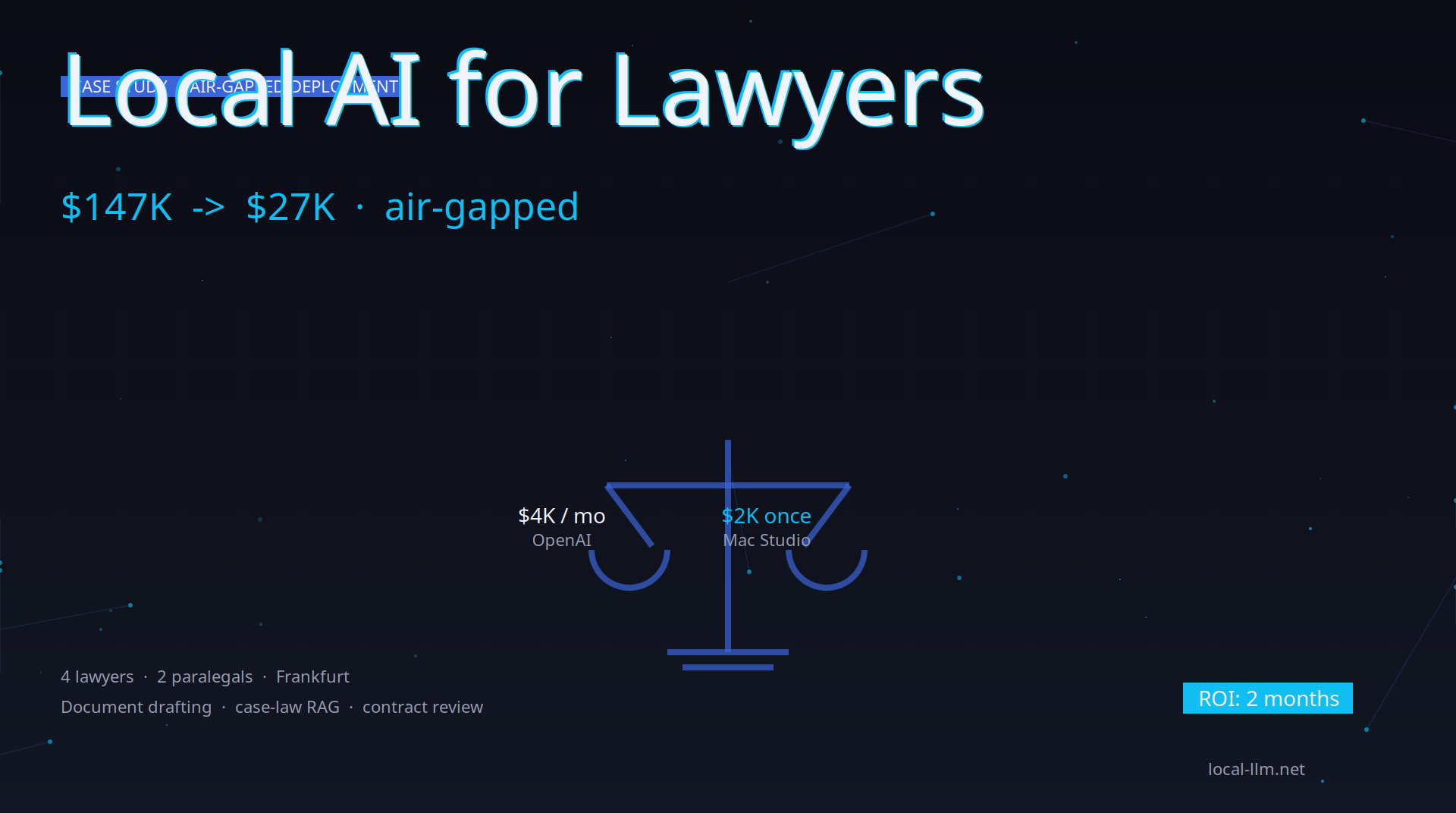
A six-person commercial law firm in Frankfurt replaced most of their $4,000/month OpenAI bill with a $2,400 one-time hardware purchase. Here’s what they built, how they built it, and what the day-to-day looks like 6 months in.
The situation
The firm had 4 lawyers, 2 paralegals, and a steady stream of:
- Contract review (50-100 contracts/month)
- Case-law research (200+ queries/month)
- Document drafting (motions, briefs, letters)
- Discovery document review (1,000s of pages)
They were using ChatGPT Team ($25/user/month × 6 = $150/month) plus a custom OpenAI integration for the document review pipeline (~$3,800/month). Total: ~$4,000/month.
The friction: every prompt and document had to be reviewed for client confidential information. They had to redact names, addresses, and case details before sending anything to OpenAI. The redaction overhead was eating 30% of their time.
What they built
Hardware:
- 1× Mac Studio M4 Max (36GB unified memory) plus a 2TB external SSD for model and legal-corpus backups — $2,400 total
- Network: isolated VLAN with no internet egress from the AI workstation
- Memory budget: the two chat models are loaded one at a time (Mullama swaps them on demand), and the 32B model runs with a 16K context so weights and KV cache fit in 36GB
Software stack:
- Inference: Mullama (drop-in Ollama, MIT) on port 11434
- Models:
- Qwen 3 32B at Q4_K_M for general drafting and Q&A
- Mistral Small 24B at Q4_K_M for polished client-facing prose
- Nomic Embed Text for case-law embeddings
- Vector store: Qdrant (Docker, in-office server)
- Orchestration: LlamaIndex (Python) for the document review pipeline
- Web UI: Open WebUI (Docker) for the lawyer-facing chat
Total software licence cost: $0. All open source.
What they replaced
Document drafting
Before: ChatGPT Team. 30 minutes per motion to redact + prompt + paste + review. After: Mullama + Qwen 3 32B on the local network. 5 minutes per motion: open Open WebUI, paste a one-line summary, get a full draft, copy-edit.
Savings: 25 minutes per motion × 30 motions/month = 12.5 hours/month of lawyer time.
Case-law research
Before: Westlaw / LexisNexis at $200/month per seat. Plus ChatGPT for synthesis. After: Custom RAG pipeline. They ingested their case-law corpus (German federal and state court decisions, 200,000+ documents) into Qdrant using Nomic Embed Text. Lawyers ask questions in natural German and get cited answers.
Cost: $0 vs $200/month per seat = $800/month saved.
Contract review
Before: Custom OpenAI integration, ~$3,800/month in API costs. After: LlamaIndex pipeline that reads each contract, chunks it, runs 6 analysis prompts (counterparty risk, missing clauses, termination terms, indemnification scope, governing law, IP assignment), and produces a summary report. Running on the local Mullama endpoint.
Cost: $0/month (just the electricity for the Mac Studio, ~$10/month).
Discovery document review
Before: Outsourced to a contract review firm, $2-4 per document, 10K documents per case. After: Mullama + LlamaIndex for first-pass review (relevance scoring, privilege flag, key entity extraction), with a human reviewer for the second pass. Reviewer only sees documents flagged as relevant or privileged.
Savings: roughly 70% of the per-document cost on a typical case.
How they did the migration
Phase 1: POC (2 weeks)
- Bought the Mac Studio
- Installed Mullama, Open WebUI, Qdrant
- Pulled Qwen 3 32B and Mistral Small 24B
- Tested drafting and case-law RAG with one lawyer
- Verified that quality was acceptable for their use cases
Phase 2: Shadow mode (4 weeks)
- Ran local AI alongside ChatGPT Team
- Every lawyer did their normal work, but also tried the local stack
- Compared outputs and time
- Found that local AI was good enough for 80% of tasks, and the other 20% still needed ChatGPT (creative writing, novel legal arguments)
Phase 3: Cutover (2 weeks)
- Disabled ChatGPT Team
- Set the local Mullama as the default endpoint in Open WebUI
- Trained all staff on the new stack (1 half-day session)
- Kept one ChatGPT Team account for the 20% edge cases, $25/month
Phase 4: Optimization (ongoing)
- Fine-tuning on their own contract corpus (anonymized)
- Building a custom contract-review pipeline with LlamaIndex
- Adding TTS for accessibility
The network-isolation story
This is the key win for legal AI in 2026. The setup is not air-gapped in the strict sense. The Mac Studio is on a separate VLAN with no internet egress, and connects only to:
- The firm’s document management system (read-only)
- The Qdrant vector DB (running on a small server in the same VLAN)
- The Mullama inference endpoint (localhost)
The compliance argument: “Client documents are processed on-premises. No AI provider has access to them, and no model is trained on our data. The only exception is a single cloud seat, and a senior lawyer reviews every prompt sent to it. Network logs support all of this.” That is a strong, demonstrable position. It sits alongside the firm’s existing access controls and retention policies; it does not replace them.
What they couldn’t replace
The local stack handles 80% of their work. The 20% that still needs cloud:
- Creative legal writing (novel arguments, persuasive briefs) — local models are getting better but still trail GPT-4o here
- Multi-lingual legal research (rare languages where local models are weak)
- Very long context (100K+ token contracts) — Qwen 3 32B supports long context, but on a 36GB machine the KV cache for 100K+ tokens does not fit alongside the weights
For these, they keep one ChatGPT Team account with the explicit understanding that prompts are reviewed by a senior lawyer before submission.
ROI summary
| Item | Before (annual) | After (annual) |
|---|---|---|
| ChatGPT Team (6 users) | $1,800 | $300 (1 user for edge cases) |
| Custom OpenAI pipeline | $45,600 | $0 |
| Westlaw/LexisNexis | $9,600 | $0 (using local RAG) |
| Discovery review (3 cases) | $90,000 | $27,000 (70% reduction) |
| Electricity (Mac Studio, ~$10/month) | $0 | $120 |
| Hardware (one-time) | $0 | $2,400 |
| Total year 1 | $147,000 | $29,820 |
| Net savings year 1 | $117,180 |
The hardware paid for itself within the first month. By month 6 the firm had saved roughly $57,000 net in cash, assuming discovery savings accrue evenly across the year (they actually arrive case by case). The bigger investment was staff time for the POC and shadow-mode phases, which is not counted above. Recovered lawyer time is also not counted.
See also
- Enterprise local AI deployment guide — full setup
- Best local LLM 2026 — model recommendations
- Local RAG chatbot guide — RAG walkthrough
- Mullama tool page — the inference engine
- Qwen 3 model page — the model they use most
About this series
Local AI for [profession] is a series of case studies showing how real teams use local AI in production. Each post is a real anonymized deployment, with numbers and lessons. Published biweekly. Subscribe via RSS.